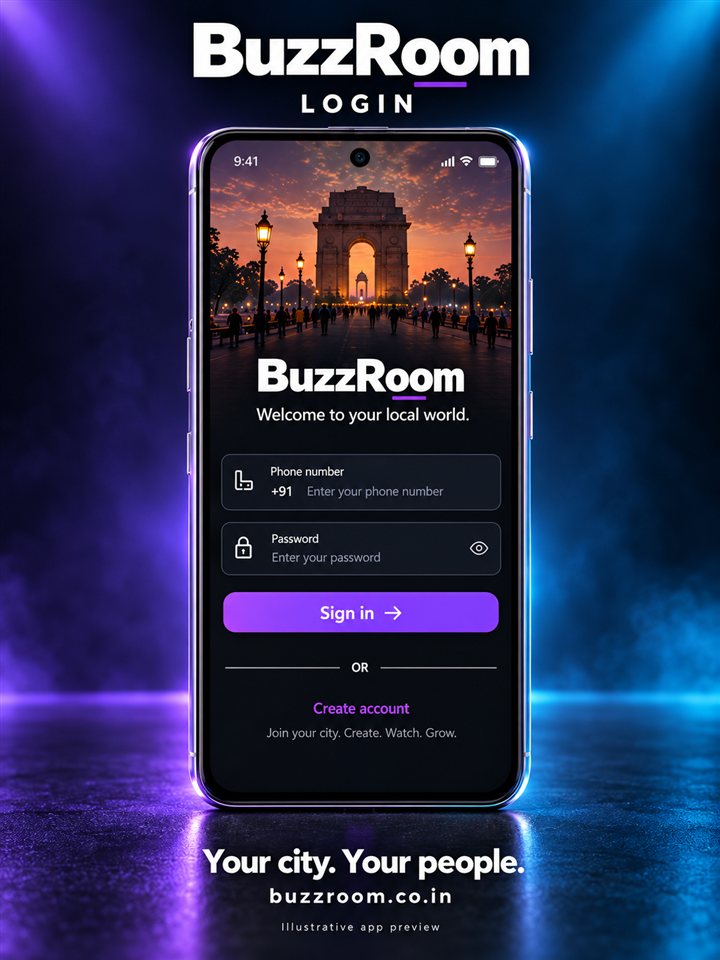
Discover Nearby
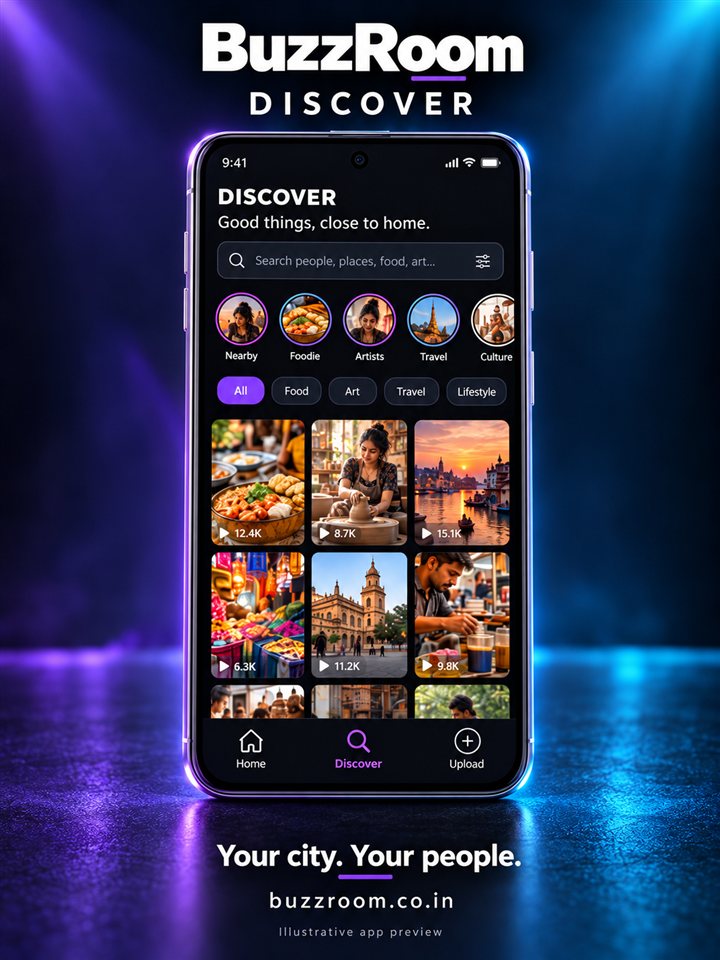
Find local creators and content through supported location and interest-based discovery.

BuzzRoom for Android
BuzzRoom is a free Android app for watching, creating, and challenging short videos. Follow creators, publish from your phone, and turn a single video into a chain of responses — with clear rules, labelled advertising, and tools that keep you in control.
Free to use · Android app and web app · Sponsored content clearly labelled · Account deletion available in the app.
Explore BuzzRoom
Six ways to discover, create and grow. Illustrative app previews; actual screens and metrics may differ.
Closer to home
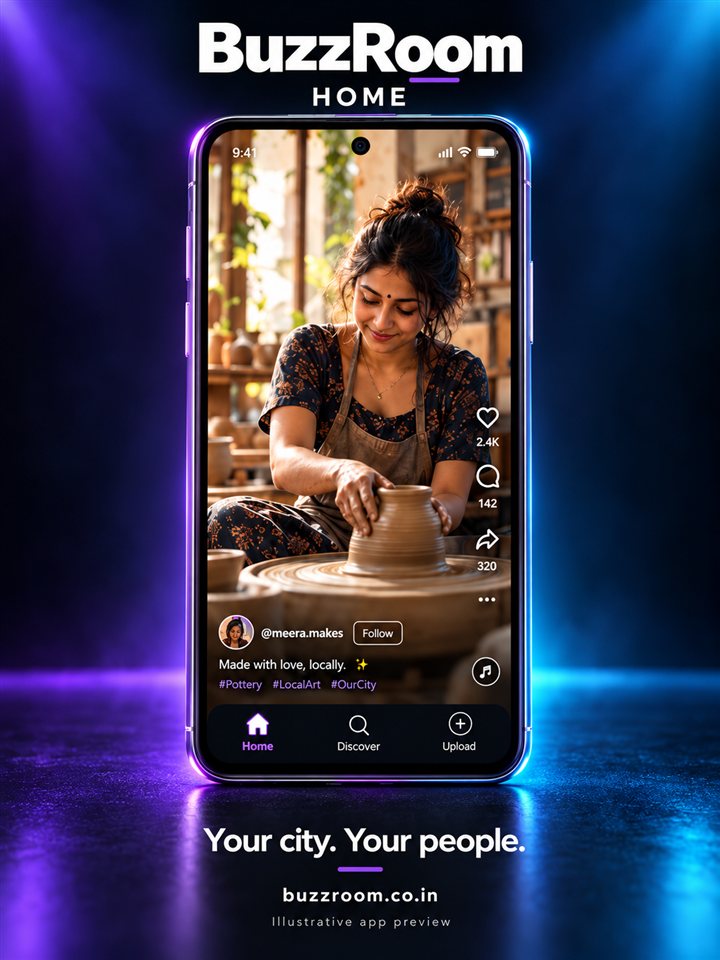
Explore local stories, discover creators and find a fresh perspective on the places and interests around you.
Find local creators and content through supported location and interest-based discovery.
Explore portrait-format videos, everyday moments and original stories from your community.
Follow creators you enjoy and discover people who share your interests.
For your next chapter
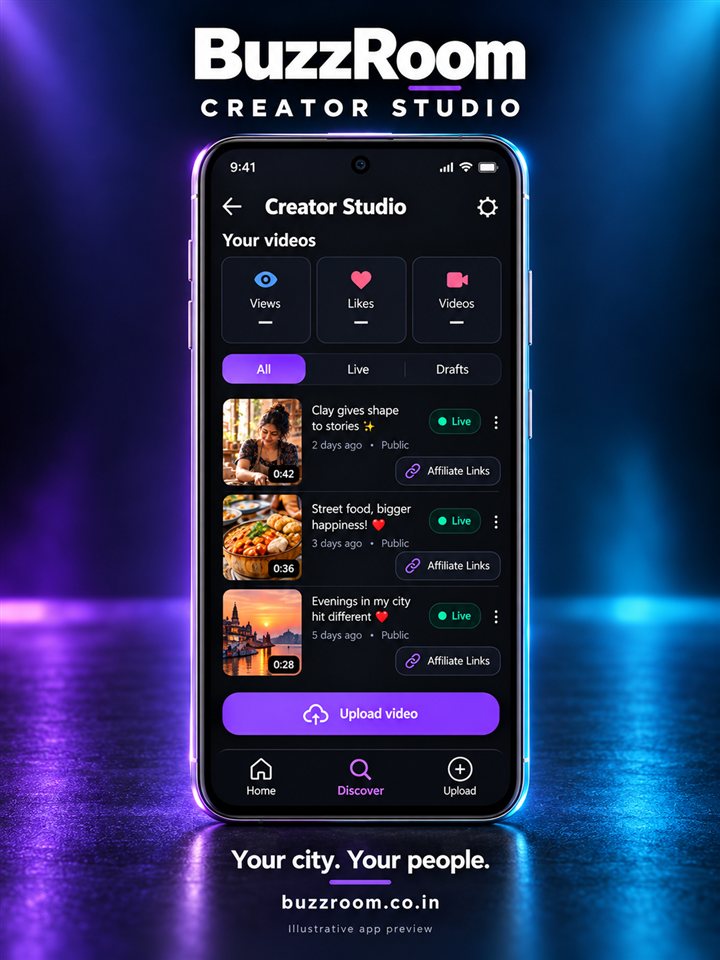
Explore tools for original content, the creator Partner Program and local business promotions, with clear ways to track your progress.
Publish original videos and manage your content in Creator Studio. Approved partners share eligible net advertising revenue based on validated watch time.
Creator payments depend on programme rules, eligibility and verification. Earnings are not guaranteed.
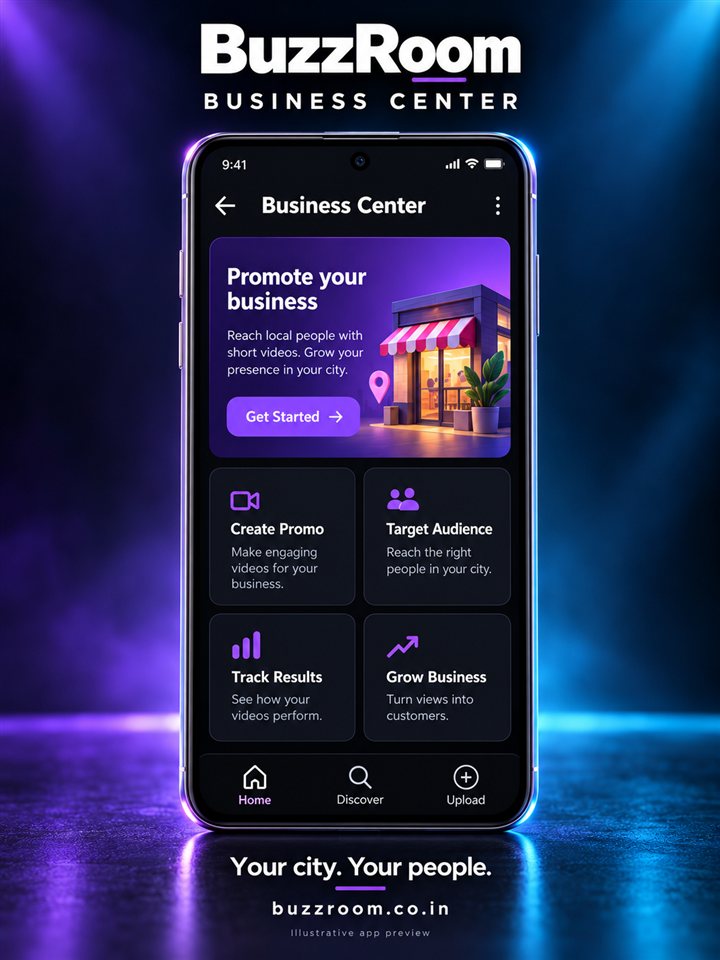
Explore Creator FeaturesCreate promotions, reach local audiences through supported targeting, and review available campaign performance in the Business Center.
Campaign performance varies. Views, sales and results are not guaranteed.
Explore Business CenterGet started
Open the web app to explore in your browser, or try the available Android test build.
Follow Android’s installation prompts.
Start exploring your local world.
If Android asks, temporarily allow installation from your browser or file manager, then turn that permission off afterward. Keep Play Protect enabled and do not bypass security warnings.
What is BuzzRoom?
BuzzRoom combines a vertical video feed, simple creator tools, and a challenge system that lets people reply to a video with another video. It is free to use and operated by Ecometrix Systems Private Limited, an Indian company based in Patna, Bihar.
BuzzRoom opens on a vertical feed designed for one thing: helping you find a video worth finishing. Choose from categories such as entertainment, education, food, music, travel, sports, technology, news, and lifestyle, or follow creators whose work you already enjoy. The player is built for phones, with full-screen playback, muted autoplay, and controls that stay out of the way. Likes, comments, saves, and shares are one tap away, and saved videos remain available when you want to return to them. There is no desktop-style clutter and no requirement to hand over your contact list before you can start watching.
Creating on BuzzRoom takes the equipment you already have. Record directly in the app or upload a video from your gallery, add a title and caption, choose a category, and publish. The creator studio keeps your uploads in one place so you can review what you have posted, update details, and remove content you no longer want public. Clear processing status tells you when a video is ready to be seen, so you are not guessing whether it went live. You do not need editing software, a capture card, or a laptop. If you can shoot a video on your phone, you can publish it on BuzzRoom.
BuzzRoom's challenge feature gives participation a shape. A creator posts a starter video, and anyone can respond with their own video instead of a comment. Responses are linked to the original, credited to the creator who started it, and displayed as a chain that other viewers can browse. You can see how many direct replies a video has, open the chain, and jump back to the original. Nested chains preserve both the immediate parent and the root video, so credit does not get lost as a challenge grows. It is a simple idea with a real effect: watching becomes making, and making invites a response.
BuzzRoom is built to recognise the people who show up. Likes, comments, saves, and follows give creators direct feedback, while viewer rewards recognise consistent participation where those programmes are available. Points, badges, and scratch-card style rewards are designed to make regular use feel worthwhile rather than extractive. Rules are published, rewards have no cash value, and activity generated by bots or manipulation is removed before it counts. Creators get a public profile that grows with their work, and viewers get a reason to return beyond the next video. Recognition should feel earned, transparent, and tied to real participation, not to how much you spend.
Questions
BuzzRoom is an Android app distributed through Google Play. The Play Store listing displays the minimum Android version supported by the current release and will only offer installation when your device meets it, so you do not need to check compatibility manually. You need an active internet connection to watch, publish, and sign in. A camera and microphone are required only if you record video inside the app, and photo access is needed only when you upload from your gallery. BuzzRoom is currently available for Android only; this website is informational and does not replicate the full app experience. Installing through Google Play ensures you receive security updates and permission changes through the normal store review process.
BuzzRoom is free to download and free to use. The platform is supported by advertising, which is why you will see ads served through Google AdSense on this website and through AppLovin MAX inside the Android app. Advertising revenue allows us to keep the core experience free for viewers and creators. Sponsored videos are labelled so you always know when a brand is involved. Some optional reward features may be available in the app; these carry no cash value and are governed by published rules. You can limit ad personalisation through your Android advertising settings and your browser cookie settings, and you can read exactly how advertising partners process data in our Privacy Policy.
Your account is protected by your password, which we store in hashed form, and by encrypted connections between the app and our servers. Use a strong, unique password that you do not reuse on other websites, and never share your password or one-time codes with anyone. BuzzRoom support will never ask for your password, OTP, or payment credentials by email, through the contact form, or in a video comment. If you suspect unauthorised access, change your password immediately and contact support@buzzroom.co.in from the email address linked to your account. We may temporarily restrict an account while we investigate. You can also delete your account at any time from Settings, then Account, then Delete Account.
The feed combines videos from creators you follow with discovery content organised by category, so you see both familiar voices and new ones. Following a creator adds their new public videos to your feed. Every video opens on a watch page with likes, comments, saves, and shares. Challenges work differently from comments: a creator publishes a starter video, and other users respond with their own videos. Each response is linked to the video it answers and shown in a chain that viewers can open. Reply counts reflect direct responses, and views or engagement generated by automation or manipulation are removed before they are counted. You can browse a chain, open any response, and navigate back to the original creator.
Use the report option on any video to flag content that breaks our community guidelines, including nudity, harassment, hate speech, dangerous acts, misinformation, spam, or copyright infringement. Reports are reviewed by our moderation team, and we may remove content, restrict features, or suspend accounts. If you believe a decision was wrong, email support@buzzroom.co.in with the video ID and your reasoning, and we will review the appeal. Complaints sent to our Grievance Officer are acknowledged within 24 hours and resolved within 15 days, in line with the Information Technology (Intermediary Guidelines and Digital Media Ethics Code) Rules, 2021. To delete your account, use Settings, then Account, then Delete Account; if you cannot sign in, contact support for verified assistance.
From the blog
Practical writing on mobile video, privacy, and the trends shaping short-form content in India.
Lighting, stability, audio, and settings that make phone-shot vertical video look deliberate, without buying gear.
Read articleHow phone-first production and vernacular audiences shifted the economics of Indian short video.
Read articleA five-minute review of permissions, advertising ID, data usage, and account deletion on Android.
Read article