
Mobile Technology
How to Shoot Better Short Videos on an Android Phone
Most people assume better videos require better equipment. In practice, the difference between a video that looks amateur and one that looks deliberate is usually light, stability, sound, and framing — four things you can control with the phone in your pocket. These are the adjustments that matter most, in the order they matter.
Start with light, not settings
Put your subject facing a window and turn off the overhead light. Daylight from the side or front gives faces shape and colour that no phone filter reproduces. Avoid shooting with a bright window behind the subject, because the camera will expose for the window and turn the face into a silhouette. If you must shoot indoors at night, place a lamp in front of you rather than above you, and diffuse it with a white sheet or a sheet of paper. Soft, directional light hides skin texture problems and reduces the harsh shadows that make phone footage look cheap.
Lock focus and exposure before you record
Tap and hold on your subject's face until the focus lock indicator appears, then drag the exposure slider down slightly. Phone cameras tend to overexpose faces, and a small reduction preserves detail in the highlights. Locking also prevents the camera from hunting for focus mid-sentence, which is one of the most common reasons a good take becomes unusable. If you move between two positions, refocus and relock rather than trusting continuous autofocus.
Make stability a habit
Hold the phone with both hands, tuck your elbows against your ribs, and breathe out before you press record. For anything longer than thirty seconds, use a cheap tripod or prop the phone against something solid. Avoid walking while filming unless you have gimbal-level stabilisation, because electronic stabilisation crops the frame and still leaves a floating sensation. If you are filming yourself, place the phone at eye level rather than looking down at it; the difference in posture is immediately visible on screen.
Choose settings that survive upload
Record in 1080p at 30 frames per second for most content. It is sharp enough for vertical video, produces smaller files, and generates less heat than 4K. Use 60 frames per second only when you need smooth slow motion, and avoid digital zoom entirely — crop in post or move closer instead. Check free storage before a long session, because phones throttle recording when they overheat or run low on space. If you plan to edit, keep the original file and export at a high bitrate rather than repeatedly re-saving a compressed copy.
Treat audio as half the video
Viewers forgive soft focus far more readily than bad sound. Record within arm's length of the phone when possible, and avoid rooms with hard, echoey surfaces. Wind is the enemy of outdoor audio, so shield the microphone with your body or a foam cover. Test a ten-second clip with headphones before committing to a long take. If you use music, keep spoken audio clearly above it, because phone speakers are small and unforgiving.
Frame for a vertical screen
Compose for 9:16 from the start. Keep the subject's eyes in the upper third, leave a little headroom, and avoid placing text or important detail near the bottom edge where interface elements sit. Shoot slightly wider than you need so you have room to reframe during editing. If you plan to add captions, leave consistent space for them rather than letting text cover faces or hands.
Clean the lens and simplify the pipeline
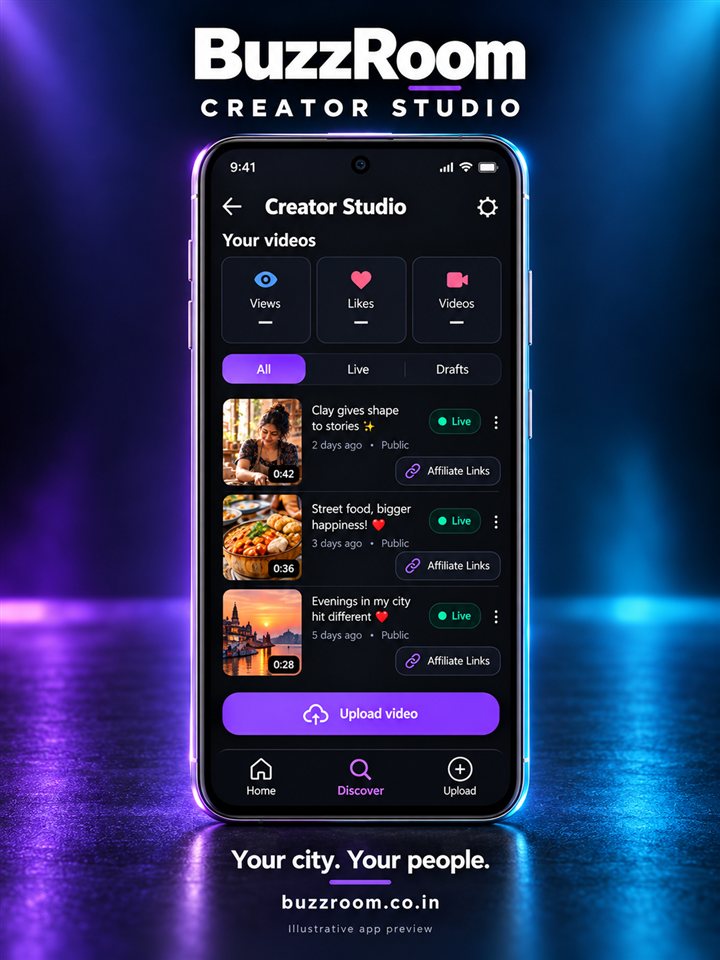
Wipe the lens with a soft cloth before every session; a fingerprint haze is the most common cause of footage that looks foggy for no apparent reason. Prefer your phone's native camera app when you want full control over resolution and focus, then upload the finished file. When you publish, add a clear title, choose the right category, and keep the caption specific. On BuzzRoom, publishing is designed to work from the phone alone, so the effort goes into the video rather than the workflow.
Edit lightly, then stop
Trim the first and last second, cut dead air, and add captions for viewers watching without sound. Resist stacking filters; consistent colour beats dramatic colour. Export, watch it once on the phone at normal brightness, and publish. The goal is not technical perfection but a video that is easy to watch, easy to hear, and easy to understand — and that is entirely achievable with the device you already own.